GA4 for SEO + AI: Which Metrics to Track in 2026?
Google Analytics 4 has replaced Universal Analytics, but most SEO teams are still using the wrong metrics. This guide identifies the relevant GA4 KPIs for both classic SEO and AI visibility, with concrete configurations and recommended dashboards.

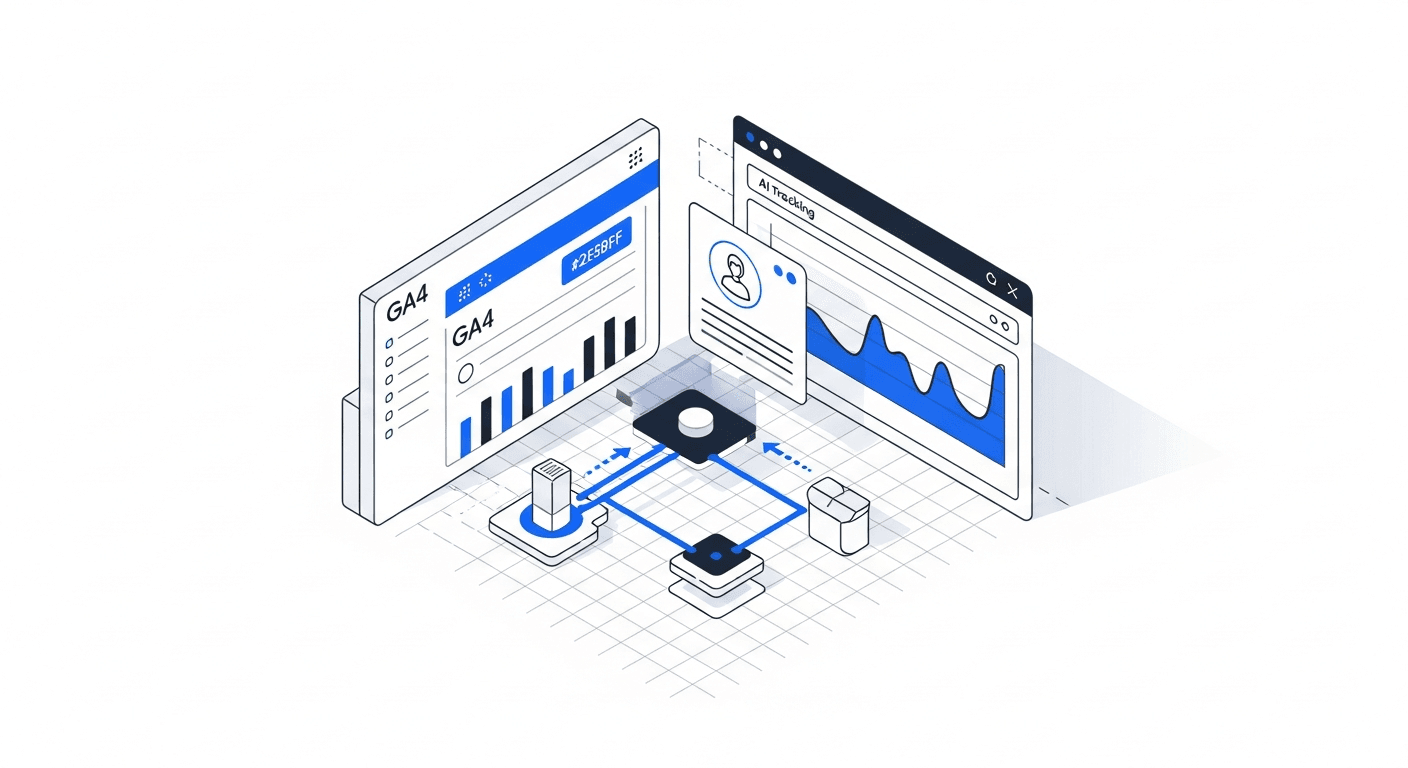
TL;DR: GA4 is powerful but misconfigured by 80% of sites. For SEO + AI, classic metrics (sessions, page views) are no longer sufficient. This guide shows you the 12 critical GA4 metrics, how to configure custom events to track the impact of AI visibility, and which dashboards to build to steer your SEO + AEO strategy in 2026.
The Problem with Classic SEO Metrics in 2026
Google Analytics 4 definitively replaced Universal Analytics since July 2024. Yet in 2026, the majority of marketing teams continue to track the same metrics as in 2020: organic sessions, bounce rate (now called "engagement rate"), and page views.
These metrics tell an incomplete story. With the rise of Google's AI Overviews and LLMs like ChatGPT and Perplexity, the user journey has changed. A prospect may discover your brand via an AI response, visit your site just once, and convert 3 weeks later via a direct link or a branded search. GA4 by default doesn't capture this journey.
The second problem: "zero-click" traffic. When Google AI Overview displays your content directly in the results, the user gets their answer without clicking. Your organic traffic decreases, but your visibility increases. GA4 only sees the decrease. To understand the impact of zero-click, see our article Zero-click search: what impact for your business.
According to a study by Rand Fishkin and SparkToro (cited by Search Engine Journal Europe, December 2025), nearly 65% of Google searches in Europe end without a click to an external site. If your only metric is organic traffic, you're missing two-thirds of your impact.
The 12 GA4 Metrics to Track for SEO + AI
Here are the 12 KPIs we configure in GA4 for every AISOS client, organised by category:
| # | Metric | GA4 Type | SEO Relevance | AI Relevance |
|---|---|---|---|---|
| 1 | Organic sessions (source/medium = google/organic) | Native | High | Medium |
| 2 | Engagement rate (engagement_rate) | Native | High | Medium |
| 3 | Average engagement duration | Native | High | High |
| 4 | Conversions by channel (organic, direct, referral) | Native | High | High |
| 5 | Organic entry pages (top landing pages) | Exploration | High | Medium |
| 6 | Referral traffic from LLMs (perplexity.ai, chat.openai.com) | Custom event | Low | Very high |
| 7 | Brand searches (branded queries in Search Console) | GSC integration | Medium | High |
| 8 | Incremental direct traffic (post-AI campaign) | Custom segment | Low | High |
| 9 | Scroll depth > 75% on strategic articles | Custom event | Medium | High |
| 10 | CTA clicks from blog articles | Custom event | High | High |
| 11 | Assisted conversions by channel | Attribution | High | High |
| 12 | New vs returning visitors by source | Audience | Medium | High |
Metrics 6 to 8 are specific to AI visibility and are not configured by default in GA4. Metric 6 (LLM referral traffic) is the most direct: it measures how many visitors arrive from Perplexity, ChatGPT or other LLMs. Volume is still low (1-5% of total traffic in 2026), but it is growing rapidly and these visitors have a conversion rate 2 to 3x higher than average.
Configuring Custom Events for AI Visibility
GA4 allows you to create custom events that capture signals specific to AI visibility. Here are the 3 events we systematically implement:
Event 1: llm_referral. Triggered when a visitor arrives from an LLM domain (perplexity.ai, chat.openai.com, gemini.google.com, claude.ai). Configure it in GTM with a "Referrer contains" trigger for each domain. This event allows you to measure direct traffic generated by AI citations.
Event 2: deep_scroll_strategic. Triggered when a visitor scrolls beyond 75% on your pillar pages and strategic articles. This measures the quality of engagement on the content that is supposed to be cited by LLMs. If scroll depth is low, your content is probably too long or poorly structured.
Event 3: brand_search_post_ai. More subtle to configure. It measures branded searches that arrive within 24 hours following a peak in AI citations. This captures the indirect effect: a prospect sees your brand in a ChatGPT response, then searches for you directly on Google. Integration with Search Console is required.
For the detailed technical configuration of Search Console, see our Google Search Console guide.
Recommended GA4 Dashboards
We recommend 3 dashboards in GA4 Explorations:
Dashboard 1: Classic SEO Performance. Organic sessions, top landing pages, engagement rate by page, organic conversions. This is the standard dashboard, but configured to show trends over 6 months rather than raw figures.
Dashboard 2: AI Visibility Impact. LLM referral traffic, brand searches (trend), incremental direct traffic, assisted conversions by channel. This dashboard is the most important for steering your AEO strategy. It shows whether your AI visibility efforts translate into traffic and conversions.
Dashboard 3: Content Quality. Scroll depth by article, engagement duration by article, CTA clicks, bounce rate by page. This dashboard identifies which articles are performing and which need to be optimised for AI readability.
| Dashboard | Review frequency | Decision it informs |
|---|---|---|
| Classic SEO | Weekly | Which pages to optimise, which keywords to target |
| AI visibility impact | Monthly | ROI of the AEO strategy, budget allocation |
| Content quality | Bi-monthly | Which articles to restructure, which FAQs to add |
Pieter Buteneers, CTO of ML6 (Ghent, Belgium), observes: "Companies that integrate AI metrics into their analytics stack make better decisions faster. LLM referral traffic is still small in volume, but it's the leading indicator of future organic growth."
The Limits of GA4 for Measuring AI Visibility
Let's be honest: GA4 cannot measure everything that matters for AI visibility. Here are its main limitations:
Invisible zero-click. When an LLM cites your content without a link, or when Google AI Overview displays your answer without a click, GA4 sees nothing. This "impression without click" is the biggest blind spot in current analytics.
Incomplete attribution. A prospect who discovers your brand via ChatGPT, searches for you on Google 2 weeks later, and converts via a marketing email: GA4 attributes the conversion to email, not to the AI citation. GA4's data-driven attribution model improves the situation but doesn't resolve it.
Incomplete referral data. ChatGPT doesn't always pass a clean referrer when a user clicks a link. A portion of LLM-sourced traffic is classified as "direct" in GA4, which underestimates the real impact.
To bridge these gaps, combine GA4 with dedicated AI monitoring tools. Our AI monitoring tools comparison covers the best options. And to understand the overall ROI, see our article on how to calculate the ROI of your SEO + AI.
FAQ: GA4 and SEO + AI
Is GA4 sufficient to measure AI visibility?
No. GA4 measures traffic and conversions on your site, but does not capture AI citations without clicks or brand mentions in LLM responses. Combine GA4 with an AI monitoring tool (Otterly, Peec, ZipTie) for a complete view.
How do you track ChatGPT traffic in GA4?
Create a custom event in Google Tag Manager that fires when the referrer contains "chat.openai.com" or "chatgpt.com". This traffic will then appear in your GA4 reports under the custom event. Note: some ChatGPT traffic arrives without a referrer and will be classified as "direct".
Should you still track bounce rate in GA4?
The "bounce rate" in GA4 is different from Universal Analytics. It measures non-engaged sessions (< 10 seconds, no conversion event, no navigation). It's a useful but insufficient metric. Favour engagement rate and average engagement duration, which are more representative of experience quality.
Can GA4 show the impact of AI Overviews on my traffic?
Indirectly. If your content appears in AI Overviews, you will likely see a decrease in organic CTR (visible in Search Console) but an increase in impressions. In GA4, organic traffic may decrease while branded searches increase. This is the sign of a "positive zero-click".
Which tools complement GA4 for SEO + AI?
Google Search Console (mandatory), an AI monitoring tool (Otterly or Peec), and a technical SEO tool (Screaming Frog or Sitebulb). This stack covers classic SEO, AI visibility and technical diagnostics. Total cost: 100-200 EUR/month for an SME.
Conclusion: GA4 Is Necessary But Not Sufficient
GA4 remains an indispensable tool for measuring the impact of your SEO and AI visibility on traffic and conversions. But it must be specifically configured to capture AI signals (custom events, segments, dedicated dashboards) and combined with complementary tools to fill its blind spots.
The configuration investment is 4 to 8 hours, just once. The return is permanent: better-informed decisions, improved resource allocation, and a clear view of the ROI of your SEO + AI strategy.
Need help configuring your GA4? Contact us for support. And for the complete tools ecosystem, see our SEO + AI tools comparison and our support pricing.
Co-founder and CEO of AISOS. GEO Expert, she guides businesses in their Google + AI visibility strategy.


