
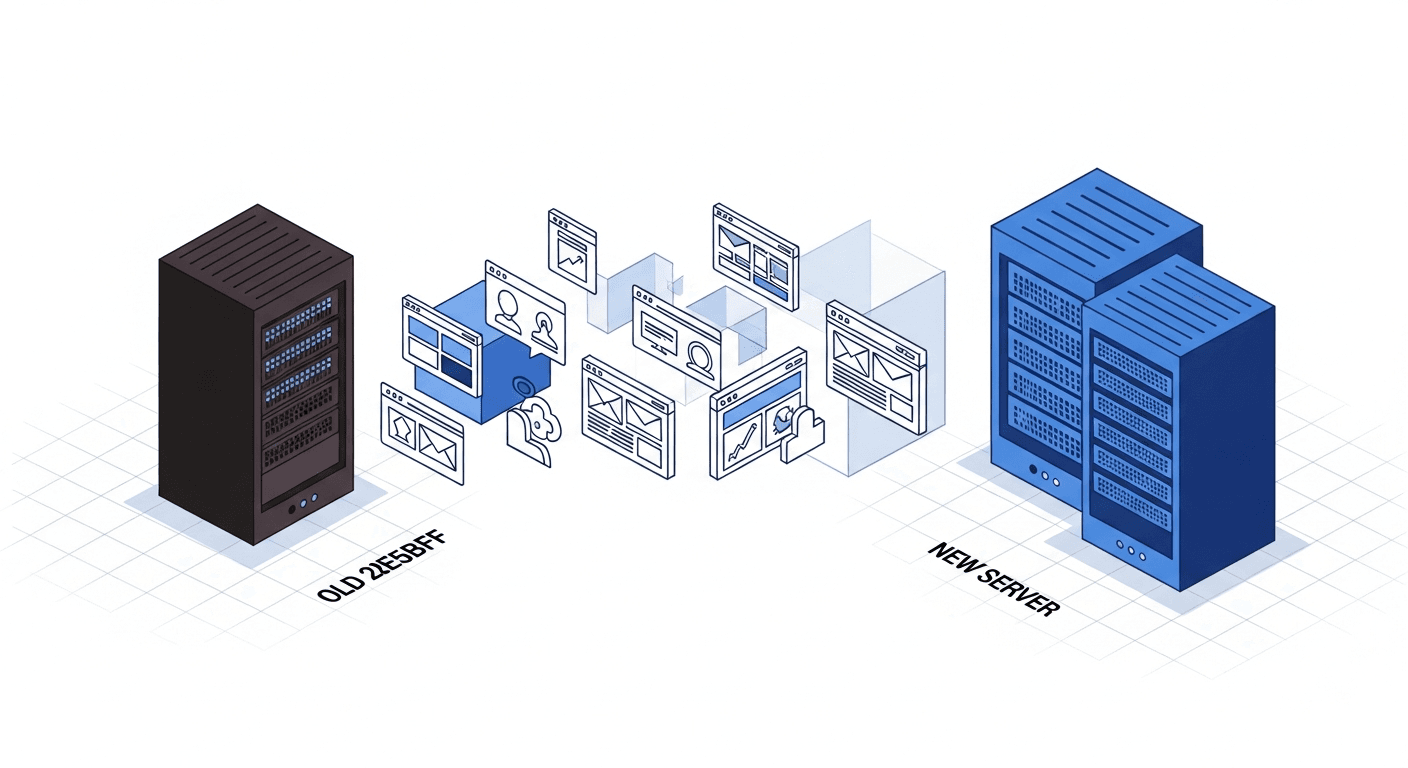
Migrating a website — whether it is a domain change, CMS change, URL structure change or a move to HTTPS — is the digital equivalent of moving house. And just like a physical move, if you do not take inventory before you leave, you will lose boxes along the way.
The problem is that those "boxes" in SEO are your hard-won positions. A backlink pointing to a URL returning a 404 is a lost backlink. An indexed page that disappears without a redirect is a negative signal for Google. And in 2026, it is not just Google you risk losing: LLMs that cited your content will point to dead pages.
This guide makes no empty promises. It gives you a method tested on more than 30 migrations accompanied at AISOS, with real figures on what works and what breaks.
Why 52% of migrations fail

The Sistrix study published in January 2025 analysed 11,000 European site migrations. The results are unambiguous: more than half lose organic traffic, and 18% never recover their pre-migration levels. The main causes are not technical — they are organisational.
The leading cause of failure is the absence of an exhaustive URL mapping. Technical teams migrate the site while SEO teams discover the damage after the fact. The second cause is timing: migrating on a Friday evening before a weekend, with no team available to monitor the first hours, is a classic mistake. The third is the absence of a pre-migration benchmark: if you do not know exactly where you stand before, you will not be able to measure the impact afterwards.
According to Aleyda Solis, SEO consultant based in Madrid and author of "The SEO Migration Handbook": "The majority of migrations fail not due to lack of technical competence, but due to lack of communication between the dev, SEO and business teams. SEO is often consulted too late, when architectural decisions are already set in stone."
Phase 1: pre-migration (D-30 to D-7)
This is the most important phase and the one most often rushed. Everything hinges here.
Complete inventory of the existing site
Crawl your site with Screaming Frog or Sitebulb. Export the complete list of all indexed URLs, their metrics (traffic, backlinks, key positions), and their HTTP status. Cross-reference with Google Search Console data: which pages generate traffic? Which pages have impressions without clicks? Which pages are indexed but not in your sitemap?
URL mapping: the vital document
Create a mapping file that associates each old URL with its new URL. Not 80% of URLs, not the "important pages" — all URLs. Every forgotten URL is a potential leak point.
Pre-migration benchmark
Capture a snapshot of your metrics: positions on the 50 main keywords, organic traffic per page, number of indexed pages, number of active backlinks, Core Web Vitals. This benchmark is your absolute reference for evaluating the post-migration impact.
Phase 2: executing the migration
Setting up 301 redirects
Implement 301 redirects based on your URL mapping. Test each redirect before going live. A tool like httpstatus.io allows you to bulk-verify that each old URL redirects correctly.
Classic errors to avoid: redirect chains (A → B → C instead of A → C), 302 redirects instead of 301, and generic redirects (all old URLs redirected to the homepage).
XML sitemap management
Submit the new XML sitemap in Google Search Console immediately after the migration. Keep the old sitemap accessible for 6 months — search engines will continue to consult it to discover the redirects.
Content verification
Ensure that the migrated content is identical to the original. CMS migrations often generate subtle issues: lost H tags, broken images, vanished schema markup, meta descriptions overwritten by default values.
Phase 3: post-migration (D+1 to D+30)
Intensive monitoring (D+1 to D+7)
Monitor daily: 404 errors in Google Search Console, the crawl rate (a spike in exploration is normal, a drop is alarming), and your positions on the main keywords. Respond within 24 hours to any anomaly.
Stabilisation (D+7 to D+30)
According to Searchmetrics data (2025), a clean migration shows position stabilisation between D+14 and D+21. If you do not observe recovery by D+30, there is a structural problem to diagnose.
| Indicator | Normal behaviour | Warning signal |
|---|---|---|
| Organic traffic | 10-20% drop from D+1 to D+14 | Drop exceeding 40% |
| Indexed pages | +/- 15% fluctuation for 3 weeks | Drop of more than 50% |
| 404 errors | A few dozen (unmapped pages) | Hundreds or thousands |
| Crawl rate | x2-x3 spike in the first week | Crawl drop below pre-migration level |
| Keyword positions | Volatility for 2-3 weeks | Disappearance from top 100 |
Complete checklist of 40 control points
Here is the checklist we use at AISOS for every migration. It is divided into 4 categories.
Pre-migration (15 points)
- Full crawl of the existing site (Screaming Frog / Sitebulb)
- Google Search Console export: indexed pages, performance, links
- Exhaustive URL mapping (old URL → new URL)
- Position benchmark: top 50 keywords
- Traffic benchmark: per page and per section
- Backlink audit: identify the most linked pages
- Pre-migration Core Web Vitals capture
- Existing schema markup verification
- Meta titles and descriptions export
- Images and alt text inventory
- Internal linking documentation
- Redirect testing on a staging environment
- Communication with the team (dev, content, business)
- Migration date selection (Tuesday or Wednesday, never Friday)
- Rollback plan preparation
Migration day (10 points)
- 301 redirect implementation
- Each redirect verification (bulk test)
- XML sitemap update
- New sitemap submission in Google Search Console
- Robots.txt file verification
- Canonical tag test on main pages
- Schema markup verification on the new site
- Core Web Vitals test on the new site
- HTTPS verification (no mixed content)
- Mobile version test
Immediate post-migration — D+1 to D+7 (8 points)
- Daily monitoring of 404 errors in Search Console
- Crawl rate monitoring
- Main keyword position verification
- Internal links test (no broken links)
- Organic traffic monitoring vs benchmark
- New URL indexation verification
- Rich snippets / featured snippets test
- Performance verification (LCP, INP, CLS)
Extended post-migration — D+7 to D+90 (7 points)
- Comparative traffic report D+30 vs benchmark
- Gained / lost keywords analysis
- Residual 404 audit and correction
- Backlink verification: links still active?
- Core Web Vitals before / after comparison
- Post-migration AI visibility audit
- Final report at D+90 with recommendations
Migration and AI visibility: the forgotten parameter
In 2026, migrating a site no longer concerns only Google. If LLMs (ChatGPT, Perplexity, Gemini) were citing your content before the migration, those citations point to your old URLs. If those URLs do not redirect correctly, you lose your AI visibility in addition to your classic SEO.
Even more problematic: LLMs take longer than Google to "understand" a migration. Training corpora are not updated in real time. Even with perfect redirects, your AI citations may point to obsolete URLs for several months.
The solution: keep your redirects active for a minimum of 12 months (not 6 as some guides recommend). Verify that your llms.txt file is updated with the new URLs. And above all, test your key AI queries after the migration to verify that your citations are still active.
As Joost de Valk, founder of Yoast and based in the Netherlands, explains: "Migrations are now a multi-channel problem. It is no longer enough to satisfy Google — you need to think about LLMs, voice assistants, and all the interfaces that consume your content."
To explore the crawl budget issue during a migration, or understand how a complete technical SEO audit can prevent problems, consult our dedicated guides. And if your site uses canonical URLs, make sure they are correctly updated in the mapping.
FAQ
How long does it take to recover traffic after a migration?
On average, a well-executed migration shows stabilisation between D+14 and D+21, with a return to pre-migration levels between D+30 and D+60. Complex migrations (domain change + structure change) can take 3 to 6 months. If you observe no recovery by D+90, there is a structural problem to identify.
Should Google be notified of a site migration?
Yes. Use the "Change of address" tool in Google Search Console for domain migrations. For other types of migration, submit the new sitemap and monitor the coverage report. Google recommends keeping the old domain verified in Search Console for at least 6 months.
Do 301 redirects pass all link equity?
Google confirmed in 2024 that 301 redirects pass the full PageRank, contrary to the historical belief of a 15% loss. However, this only applies to direct redirects (A → B). Redirect chains (A → B → C) progressively dilute the signal.
Can a migration be used to change the URL structure?
It is possible but risky. If your current structure is sub-optimal, a migration is indeed an opportunity to correct it. But each structural change adds complexity to the mapping and increases the risk of errors. The rule: only change the structure if the expected benefit outweighs the risk. And in all cases, never change both domain AND structure simultaneously.
How to manage the migration of a multilingual site?
Multilingual sites add an extra layer of complexity: each language version has its own URLs, its own backlinks, and its own hreflang tags. The mapping must cover all versions. Redirects must respect the language (do not redirect /fr/page to /en/page). And hreflang tags must be updated across all versions simultaneously.
What is the best day to migrate a site?
Tuesday or Wednesday, at the start of the week, when the entire team is available to monitor and react. Never migrate on a Friday (no support over the weekend), nor during a period of high commercial activity (Black Friday, sales, etc.).
Are you planning a migration?
Our experts accompany your migration from A to Z to preserve your SEO and AI visibility.
Request migration support

