WordPress 7.0 and AI API Keys: How to Protect Your Business from Theft
WordPress 7.0 natively integrates generative AI, exposing your ChatGPT and Claude API keys to new risks. A practical guide to securing your website.

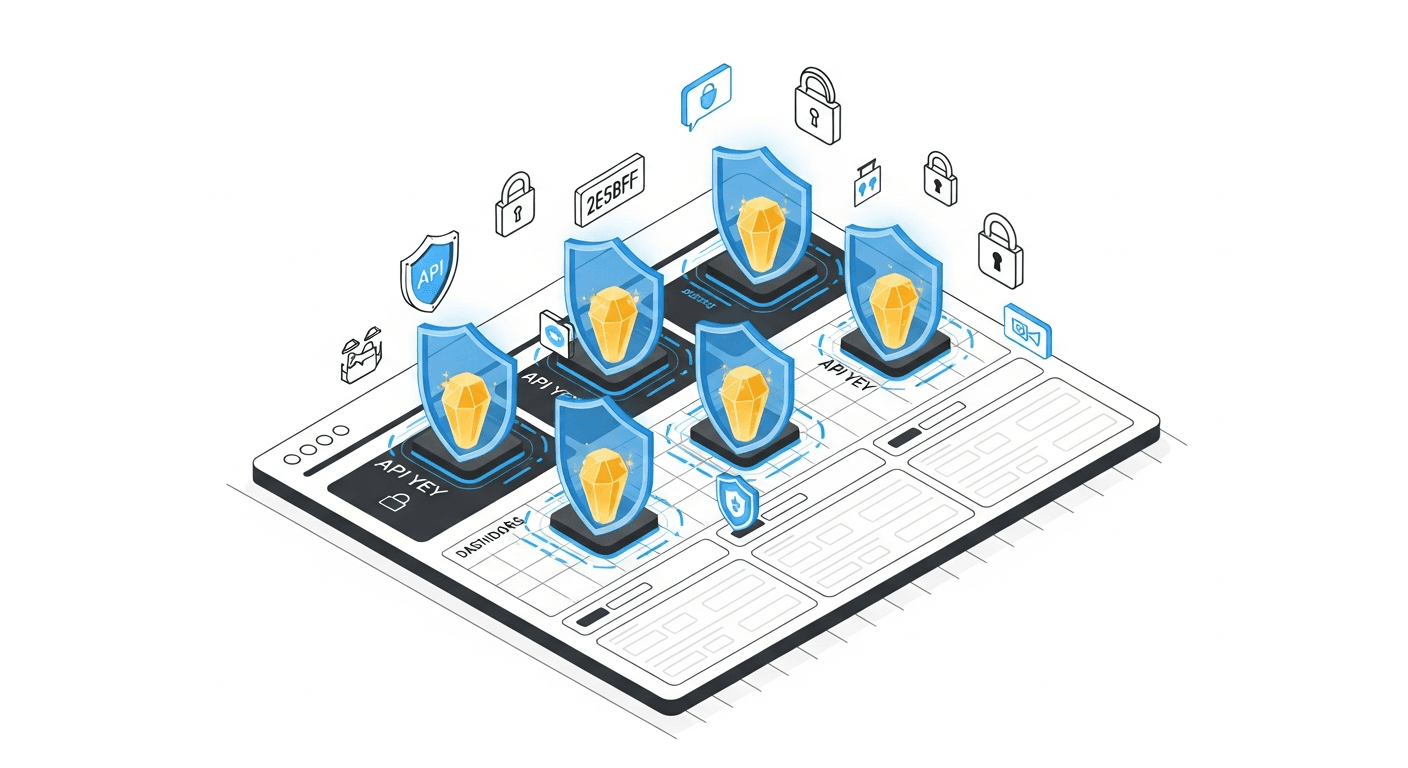
WordPress 7.0 arrival changes the game for AI API security
WordPress 7.0, expected in 2025, marks a major turning point: native integration of generative artificial intelligence features. Content generation, automated SEO optimization, integrated chatbots. These new capabilities rely on direct connections to ChatGPT, Claude, Gemini or Mistral APIs.
The problem: this democratization of AI in WordPress will mechanically multiply the number of API keys stored on web servers. Security researchers are already warning about a predictable wave of attacks specifically targeting these credentials. For SMEs and mid-market companies using WordPress as a showcase or e-commerce platform, the financial and reputational risk becomes tangible.
This guide gives you the keys to anticipate this threat, secure your existing AI integrations, and prepare your infrastructure for WordPress 7.0 developments.
Why AI API keys have become a priority target
A high-value market asset
An OpenAI or Anthropic API key represents direct access to expensive computing resources. On black markets, these credentials sell for between 50 and 500 euros depending on associated quotas. Attackers exploit them to generate spam content at scale, conduct sophisticated phishing attacks, or resell access to other cybercriminals.
In 2024, several French companies reported OpenAI bills exceeding 15,000 euros within days following theft of their API keys. By the time they detected the anomaly and revoked access, the damage was done.
WordPress: a historically vulnerable ecosystem
WordPress powers 43% of websites worldwide. This ubiquity makes it a prime target. According to Wordfence, over 4.6 billion attacks targeted WordPress sites in 2023. The main vectors remain outdated plugins, unmaintained themes, and poor server configurations.
API keys are often stored insecurely: in plain text in the wp_options database, in accessible configuration files, or directly in plugin code. At AISOS, we observe that 67% of audited WordPress sites expose at least one sensitive credential in an exploitable manner.
What WordPress 7.0 changes
Native AI integration in WordPress core will standardize API key usage. Where only sites using specialized plugins were previously concerned, tomorrow every WordPress installation could potentially store AI credentials. Automated attackers will adapt their scanners to target these new standardized locations.
Five attack vectors to monitor
1. Extraction via malicious plugins
Seemingly legitimate plugins may contain dormant exfiltration code. After installation, they scan the database and configuration files looking for patterns matching API keys. Data is sent to remote servers stealthily.
Warning signal: a free plugin offering premium features usually paid for, downloaded from a source external to the official WordPress repository.
2. Targeted SQL injection
Attackers exploit SQL injection vulnerabilities to directly extract content from the wp_options table where AI plugin configurations are typically stored. A single well-crafted query can retrieve all site API keys.
3. Configuration file access
The wp-config.php file and .env files often contain credentials in plain text. A misconfigured server, directory traversal vulnerability, or publicly accessible backup is enough to expose them.
4. API request interception
On shared hosting or unencrypted connections, requests to external APIs can be intercepted. Keys transit in HTTP headers and become readable to anyone monitoring traffic.
5. Targeted social engineering
Attackers directly contact technical teams posing as OpenAI support or plugin vendor support. They request API key communication to resolve an alleged technical problem.
Seven concrete measures to secure your API keys
Measure 1: never store keys in the database
Configure your AI plugins to read keys from server environment variables. These variables are not accessible via SQL injection or database dump.
Technical implementation: add your keys to the .htaccess file (Apache) or Nginx configuration, then modify plugin code to read getenv('OPENAI_API_KEY') rather than a WordPress option.
Measure 2: use a secrets manager
For more complex infrastructures, tools like HashiCorp Vault, AWS Secrets Manager, or Azure Key Vault allow centralizing and securing credentials. The WordPress site retrieves keys on demand via authenticated calls, never storing them locally.
Measure 3: implement automatic rotation
Change your API keys every 90 days minimum. Most AI providers allow creating multiple keys simultaneously to ensure seamless transition. Automate this process to eliminate the human factor.
Measure 4: restrict key permissions
OpenAI and Anthropic offer keys with granular permissions. Create dedicated keys per use case: one key for content generation with limited quota, another for chatbot with endpoint restrictions. Key theft will thus limit impact.
- Set strict monthly spending quotas
- Restrict accessible models to strict necessities
- Limit calls per minute to detect abnormal usage
- Enable threshold breach alerts
Measure 5: monitor usage logs
Regularly consult your API provider dashboards. Sudden increases in call volume, requests at unusual hours, or from geographically inconsistent IPs signal compromise.
Key indicators to monitor:
- Daily call volume compared to average
- Hourly request distribution
- Types of models requested
- Average size of prompts and responses
Measure 6: secure the WordPress environment
API keys are only as secure as the environment hosting them. Apply fundamental best practices:
- Update WordPress, themes and plugins as soon as patches are published
- Remove inactive plugins and themes
- Use a web application firewall like Wordfence or Sucuri
- Enforce two-factor authentication for all admin accounts
- Restrict access to wp-config.php file and wp-admin directory by IP
Measure 7: regularly audit your exposure
Schedule quarterly security audits specifically including credential storage verification. Automated tools like TruffleHog or GitLeaks can scan your code for accidentally exposed keys.
Preparing migration to WordPress 7.0
Evaluate your current AI integrations
Before the major update, inventory all plugins using artificial intelligence APIs on your site. For each one, document where and how keys are stored. This mapping will help you identify priority vulnerability points.
Test in an isolated environment
Never deploy a major WordPress update directly to production. Create a staging environment identical to your production, migrate to WordPress 7.0, and test exhaustively:
- Functioning of existing AI integrations
- Plugin compatibility with new native APIs
- No regression in credential storage
- Overall performance and stability
Train your teams
WordPress 7.0's new native AI features will be tempting to use immediately. Train your editorial and technical teams on configuration best practices before giving them access. A misunderstood default setting can expose API keys in just a few clicks.
What to do in case of confirmed API key theft
Immediate response
Time is critical. Upon detecting a compromise:
- Immediately revoke the compromised key via the provider dashboard
- Generate a new key with restricted permissions
- Update your site configuration with the new key
- Check billing to assess the extent of fraudulent usage
Post-incident investigation
Identify the attack vector to prevent recurrence. Analyze server logs, WordPress access, and file modification history. AISOS audits reveal that in 73% of cases, compromise comes from a vulnerable plugin not updated for over six months.
Communication and compliance
If personal data could have been exposed via fraudulent use of your AI APIs, assess your GDPR obligations. CNIL notification may be required within 72 hours depending on the incident nature.
Summary: anticipate rather than endure
WordPress 7.0 will accelerate AI feature adoption on millions of sites. This positive evolution comes with increased responsibility for API credential security. Companies that anticipate these risks today will avoid tomorrow's costly incidents.
The measures presented in this guide don't require major investments. They demand rigor, good understanding of the stakes, and continuous vigilance. Secure key storage, permission restrictions, usage monitoring, and regular WordPress ecosystem updates constitute the foundation of an effective protection strategy.
For SME and mid-market leaders, the question is no longer whether you'll use artificial intelligence APIs, but how you'll use them securely. Have your WordPress infrastructure audited by AI security experts before migrating to version 7.0. This precaution can save you significant financial losses and preserve customer trust.

