
Core Web Vitals in 2026: what has changed

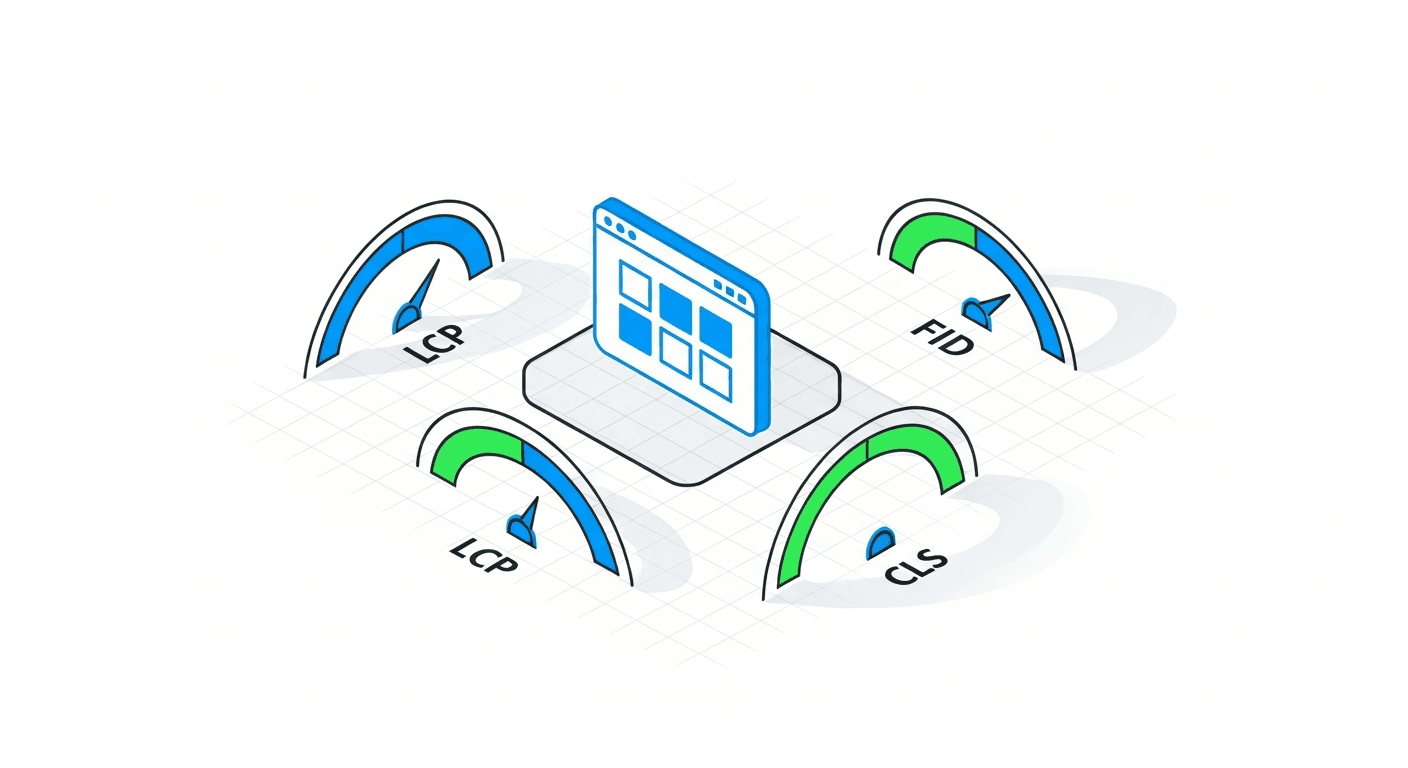
Since their introduction in 2021, Core Web Vitals have evolved. The major change of 2024 — the replacement of FID by INP (Interaction to Next Paint) — is now fully integrated. In 2026, the three metrics are:
- LCP (Largest Contentful Paint) — loading time of the largest visible element. Threshold: ≤ 2.5 seconds
- INP (Interaction to Next Paint) — responsiveness to user interactions. Threshold: ≤ 200 milliseconds
- CLS (Cumulative Layout Shift) — visual stability of the page. Threshold: ≤ 0.1
A study by HTTP Archive (European data, 2025) reveals that only 39% of European sites pass all three thresholds simultaneously. This is a huge competitive advantage for those who invest in performance.
Harry Roberts, web performance consultant (Leeds, UK): "Core Web Vitals are not an academic exercise. Every millisecond of LCP saved is a measurable increase in conversion rate. Amazon has proven this for years — in Europe, SMEs are only just beginning to understand it."
Optimising LCP: the 5 levers
LCP is often the most problematic metric. Here are the actions in order of impact:
| Action | LCP impact | Difficulty | Quick win? |
|---|---|---|---|
| Optimise images (WebP/AVIF, lazy loading) | -30 to -50% | Low | Yes |
| Preconnect to CDNs and third-party origins | -10 to -20% | Low | Yes |
| Reduce critical CSS (Critical CSS) | -20 to -40% | Medium | No |
| Improve TTFB (server, cache, CDN) | -15 to -30% | Medium | No |
| SSR/SSG instead of CSR | -40 to -60% | High | No |
The most spectacular quick win: converting your images to WebP or AVIF format with appropriate dimensions. On a typical site, this reduces LCP by 30 to 50% without touching the code.
Optimising INP: responsiveness
INP measures the time between a user interaction (click, tap, keyboard input) and the resulting visual update. It is the metric that penalises Single Page Applications (SPAs) with heavy JavaScript the most.
The main strategies:
- Reduce JavaScript size — every KB of JS means less execution time
- Code splitting — only load the JS needed for the current page
- Offload heavy work — use Web Workers for intensive calculations
- Avoid long tasks — split JS into tasks under 50ms
- Optimise event listeners — debounce and throttle on frequent interactions
For Next.js sites (like the AISOS site), Server Components and Streaming SSR built into the framework resolve most INP issues.
Optimising CLS: visual stability
CLS penalises pages where elements "move" after initial loading — images without dimensions, web fonts that cause FOUT (Flash of Unstyled Text), dynamic ads.
The most effective fixes:
- Always define
widthandheighton images and videos - Use
font-display: swapwith preload for fonts - Reserve space for dynamically loaded elements (ads, iframes)
- Avoid inserting content above existing content (banners, notifications)
Core Web Vitals and AI visibility
A lesser-known aspect: Core Web Vitals indirectly affect your AI visibility. Here is how:
- TTFB conditions AI crawl — AI bots (GPTBot, ClaudeBot) have aggressive timeouts. A slow server means uncrawled pages
- A fast site is crawled more often — Google and AI allocate more crawl budget to high-performance sites (see our crawl budget guide)
- SSR favours AI bots — optimising LCP via SSR also makes your HTML accessible to AI bots that do not render JS
Sabine Langenscheidt, web performance consultant (Berlin): "I have seen clients whose site was perfectly optimised for Google but invisible to AI bots, simply because their TTFB exceeded 2 seconds and AI bots gave up before receiving the response."
To explore the impact of speed further, read our article Site Speed: Impact on SEO and AI Citations. For broader technical context, see our technical SEO guide 2026.
FAQ — Core Web Vitals
Are Core Web Vitals still a ranking factor in 2026?
Yes, they are part of Google's Page Experience signal. Their weight is moderate compared to content and backlinks, but in competitive SERPs, they make the difference between page 1 and page 2.
Which tool should you use to measure Core Web Vitals?
Google Search Console (field data), PageSpeed Insights (diagnostics), and Chrome DevTools (technical debugging). For continuous monitoring, the Web Vitals JS library or tools like SpeedCurve.
My LCP is 3.5s. Where to start?
Start by identifying the LCP element (often a hero image). Convert it to WebP, add a preload, and check your TTFB. These three actions can halve your LCP.
Is SSR mandatory to have good Core Web Vitals?
No, but it helps considerably. A well-optimised CSR (Client-Side Rendering) can also pass the thresholds. However, SSR has the additional advantage of making your content accessible to AI bots.
Do Core Web Vitals affect mobile and desktop SEO differently?
Google uses mobile data as the primary reference (mobile-first indexing). If your CWV are good on desktop but poor on mobile, it is the mobile version that counts for ranking.
How long does it take to see the impact of CWV optimisations?
Search Console data updates on a rolling 28-day basis (field data). Expect about 1 month to see the impact reflected in reports. The impact on ranking can take 2-3 months.
Are your Core Web Vitals holding back your growth?
Our experts diagnose and optimise your web performance to satisfy Google, users and AI bots.
Diagnose my performance

