
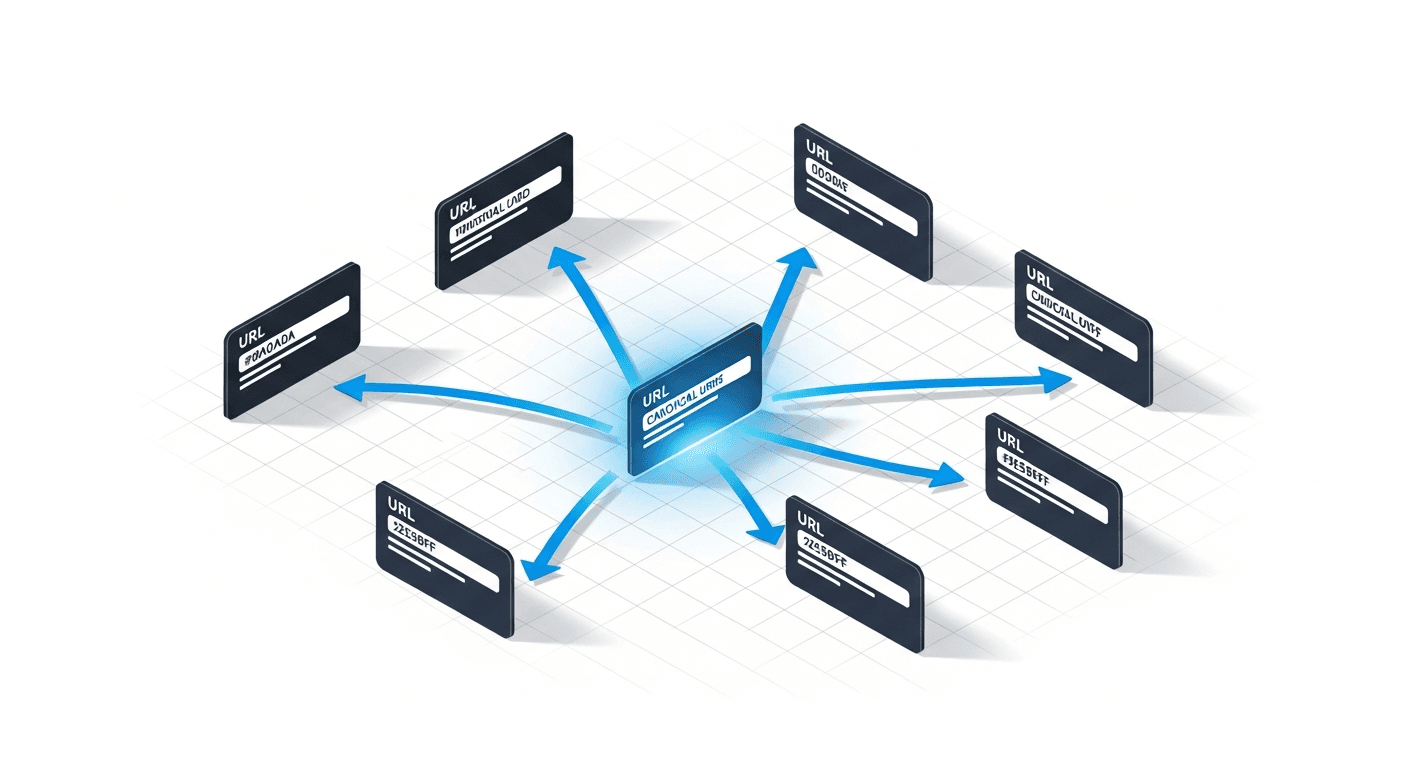
Imagine you publish a blog article. It is accessible via /blog/my-article, /blog/my-article/ (with trailing slash), /blog/My-Article (with capitals), and /blog/my-article?utm_source=newsletter (with parameters). For Google, these are potentially 4 different pages with the same content. Your authority is diluted across 4 URLs, and Google has to guess which one is the "correct" one.
The canonical tag solves this problem by explicitly declaring: "here is the official version of this page". It is a simple concept, but its correct implementation is surprisingly complex.
Understanding canonical URLs

The canonical tag is a hint placed in the <head> of your HTML page:
<link rel="canonical" href="https://www.example.com/blog/my-article" />
It tells Google: "this page may exist under multiple URLs, but the official version is this one". Google then consolidates ranking signals (backlinks, engagement, etc.) towards the canonical URL rather than dispersing them among duplicates.
Crucial point: the canonical is a hint, not a directive. Google can ignore it if it judges it to be incorrect (for example, if you canonicalise to a 404 page or to radically different content). In practice, Google respects the canonical in 80-90% of cases if implementation is correct.
When to use a canonical
| Situation | Canonical recommended | Alternative |
|---|---|---|
| URLs with parameters (filters, tracking) | Yes → to the URL without parameters | Configuration in Search Console |
| www vs non-www versions | Yes + 301 redirect | 301 redirect alone is sufficient |
| HTTP vs HTTPS | Yes + 301 redirect | 301 redirect alone is sufficient |
| Syndicated content (published on another site) | Yes → to the original version | No reliable alternative |
| Product pages with variants (colour, size) | Depends on the case | Unique content per variant if possible |
| Pagination pages (/page/2, /page/3) | No — each page is unique | Self-referencing canonical |
The golden rule: every page on your site must have a canonical tag, even if it is a self-referencing tag (pointing to itself). This eliminates all ambiguity for Google.
How to implement correctly
Method 1: HTML tag in the <head>
This is the most common method. Add <link rel="canonical" href="FULL_URL" /> in the <head> of each page. The URL must be absolute (not relative), include the protocol (https://), and match exactly the URL you want indexed.
Method 2: HTTP Link header
For non-HTML files (PDFs, images), use the HTTP header Link: <URL>; rel="canonical". This method is also useful for Single Page Applications where HTML is generated dynamically.
Method 3: In the XML sitemap
Every URL in your XML sitemap is considered an implicit canonical URL. Google cross-references this information with the canonical tag in the HTML. If both agree, it is a reinforced signal. If they contradict each other, Google will have to choose — and it will not necessarily choose what you want.
The 7 errors that nullify your canonical
1. Canonical pointing to a 404 page. Google ignores canonicals pointing to non-existent pages. Regularly check that your canonicals resolve with 200.
2. Canonical pointing to a noindex page. Contradictory: you are saying "this page is the correct one" but also "do not index it". Google ignores the canonical in this case.
3. Canonical in HTTP on an HTTPS site. After an HTTPS migration, canonicals must point to HTTPS URLs. An HTTP canonical on an HTTPS page is a contradictory signal.
4. Chained canonicals. Page A canonical to B, page B canonical to C. Google does not follow chains — point directly to the final destination.
5. Content too different. If you canonicalise a product page to a category page, Google will ignore the canonical because the content is too different. The canonical only works between pages with substantially identical content.
6. Canonical in the <body>. The canonical tag must be in the <head>. Placed in the <body> (a frequent error with some CMS), it is ignored by Google.
7. Multiple canonicals. Two different canonical tags on the same page. Google does not know which to choose and may ignore both.
Canonical vs 301 redirect: when to use which
The question comes up often: should you use a canonical or a 301 redirect?
Use a 301 redirect when the two versions should not coexist (HTTP to HTTPS, old slug to new slug, www to non-www). The user is redirected, the original page is no longer accessible.
Use a canonical when both versions need to remain accessible (page with filter parameters, syndicated content, print versions). The user can access both, but Google knows which to index.
As John Mueller from Google Zurich explains: "If you can use a redirect, prefer it. It is stronger and clearer than a canonical. The canonical is useful when a redirect is not possible or not desirable."
Impact on AI visibility
LLMs and RAG systems inherit the same problems as Google when facing duplicate content. If your content exists under 3 different URLs, an LLM may cite any of them — including the non-canonical version. The result: dispersed citations, impossible tracking, and fragmented authority.
AI crawlers (GPTBot, Perplexity, etc.) generally respect canonicals, but not all of them and not always. The best approach: combine canonical AND redirect whenever possible, leaving no ambiguity.
According to Bartosz Goralewicz, CEO of Onely in Krakow: "Duplicate content is a problem multiplied by the number of systems that consume your content. In 2020, it was Google. In 2026, it is Google plus 5 major LLMs. Each non-canonical URL is a potential authority leak across 6 platforms instead of one."
For a complete view of your site's technical management, see our guide on technical SEO, and for multilingual sites, our article on hreflang tags covers the interaction between canonical and hreflang.
FAQ
Should every page have a canonical tag?
Yes. Even pages without duplicates should have a self-referencing canonical (pointing to themselves). This eliminates all ambiguity for Google and prevents future issues if URL variants appear (tracking parameters, protocol, etc.).
Can you canonicalise to another domain?
Yes, cross-domain canonical is supported by Google. It is useful for syndicated content: if you republish an article on Medium or a partner site, the republished version can canonicalise to your original site. Note: the site hosting the duplicate must implement the canonical, not you.
How do I check that my canonicals are correct?
Three methods: (1) Google Search Console > URL Inspection shows the declared canonical and the canonical selected by Google, (2) a Screaming Frog crawl with the "Canonical" filter identifies anomalies at scale, (3) the Chrome extension "SEO Meta in 1 Click" displays the canonical of each visited page.
Does Google always choose the canonical I indicate?
No. Google uses your canonical as one signal among others (internal links, external links, sitemap, traffic). If other signals contradict your canonical, Google may select a different URL. Regularly check in Search Console that the "Google-selected canonical" corresponds to your declaration.
Does canonical affect pagination pages?
Pagination pages (/page/2, /page/3) should NOT be canonicalised to page 1. Each pagination page has unique content (different articles) and must have a self-referencing canonical. The confusion comes from Google's old recommendation (rel=prev/next), which was abandoned in 2019.
Canonical and hreflang: are there interactions?
Yes, and this is a frequent source of conflicts. Each language version must have a self-referencing canonical (not pointing to the main version). The hreflang points to other versions, the canonical points to itself. If you canonicalise /fr/page to /en/page, you are signalling to Google that the French version is a duplicate of the English version — which is false.
Doubts about your canonicals?
Our experts audit your canonical URLs and fix the errors diluting your SEO authority.
Audit my canonicals

