
lastmod dates, segments by content type, and optimises your crawl budget. This guide goes beyond the basics: we cover index sitemaps, segmentation, video/image sitemaps, and AI strategy.
The XML sitemap as a strategic tool

Most sites generate an automatic sitemap that lists all URLs. That is better than nothing, but it misses the point. A strategic sitemap is a prioritisation tool: it tells crawlers "here are my most important pages, crawl these first".
According to John Mueller, Search Advocate at Google (Zurich), at Search Central Live 2025 in Stockholm: "The sitemap is a signal, not a directive. But it is a signal we take very seriously, especially lastmod. If your lastmod is reliable, we will recrawl faster."
In 2026, the sitemap has a dual role:
- For Google — discovery of new pages, update signals, indexation support
- For AI bots — discovery of citable content, understanding of site structure
The 6 mistakes that sabotage your sitemap
| Mistake | Consequence | Solution |
|---|---|---|
| Including noindex pages | Contradictory signals | Exclude all noindex pages from the sitemap |
| URLs with redirects (301/302) | Crawl budget waste | Only include final destination URLs |
| False or missing lastmod | Google ignores the sitemap | lastmod = date of last real modification |
| Too many URLs (50,000+) | File too heavy, slow crawl | Use a sitemap index |
| Not submitted in Search Console | Slower discovery | Submit + reference in robots.txt |
| Static sitemap never updated | New pages not discovered | Automatic generation (CI/CD or plugin) |
Index sitemap and segmentation
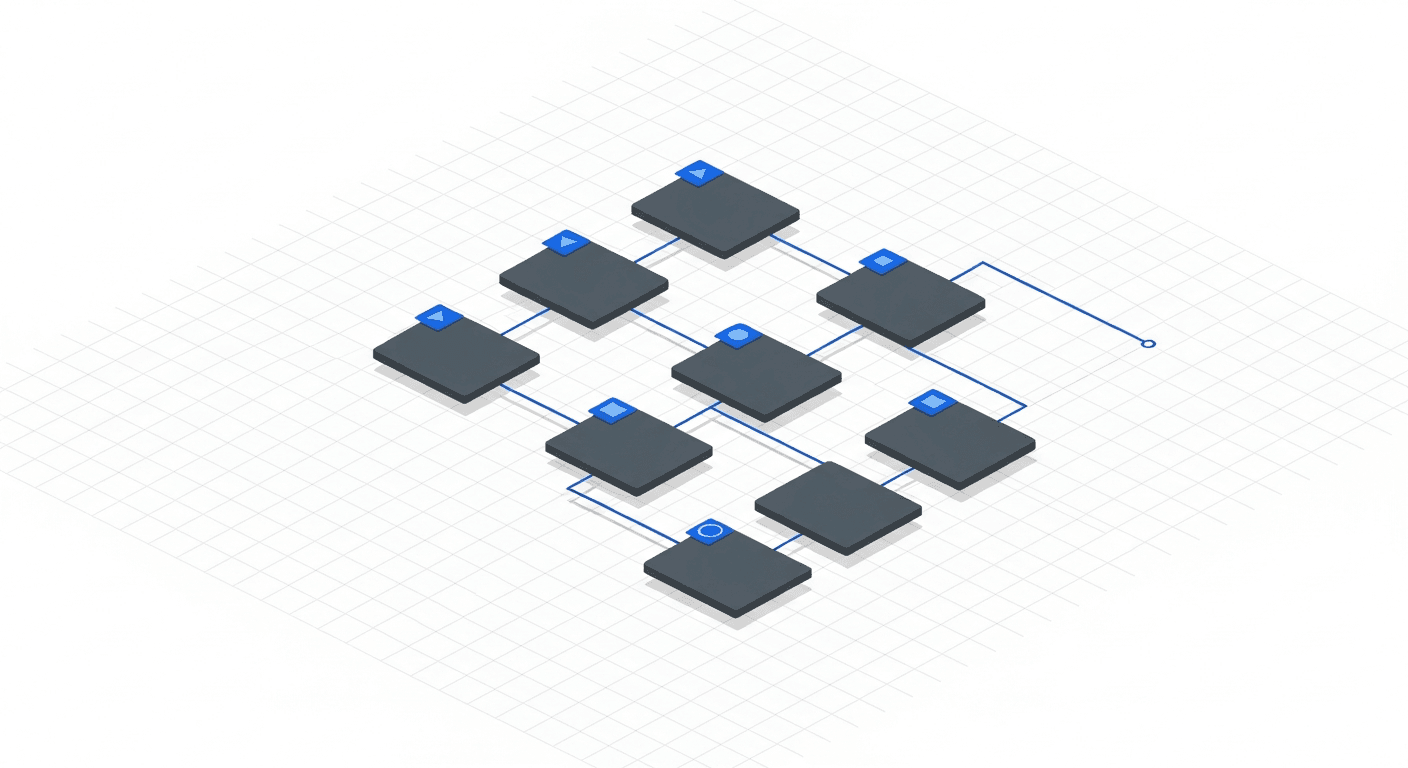
For sites with more than 1,000 URLs, segmentation via an index sitemap is essential. The principle: a sitemap-index.xml file that references specialised sub-sitemaps.
Recommended segmentation example:
sitemap-pages.xml— main pages (homepage, services, about, contact)sitemap-blog.xml— blog articlessitemap-products.xml— product pages (e-commerce)sitemap-images.xml— images with metadata (title, caption, licence)sitemap-videos.xml— videos with VideoObject metadata
This segmentation allows Google and AI bots to target the content types they are interested in. AI bots, for example, often crawl the blog sitemap first because that is where citable content lives.
Sitemap and AI visibility
AI bots consult your sitemap in the same way as Googlebot — it is their main entry point for discovering your pages. Here is how to optimise for them:
- Prioritise citable content — your blog articles, guides, and FAQs should appear first in the sitemap
- Reliable lastmod — AI bots return more frequently to recently modified pages
- Combine with llms.txt — the sitemap lists your URLs, the llms.txt file describes them in natural language. Both complement each other (see our llms.txt guide)
- Reference the sitemap in robots.txt — this is often the first file AI bots consult
Aleyda Solis, international SEO consultant (Madrid): "The sitemap is the contract between you and the crawlers. A clean, up-to-date sitemap with reliable lastmod dates tells bots: 'This site is well managed, trust us.' It is an indirect but powerful quality signal."
Automating sitemap generation
A manually updated static sitemap is a source of errors. Here are the recommended approaches by tech stack:
- Next.js — use
next-sitemapor the nativeapp/sitemap.tsfeature that generates the sitemap at build time - WordPress — Yoast SEO or RankMath generate and update the sitemap automatically
- Shopify — sitemap generated automatically, but limited customisation options
- Static sites (Hugo, Gatsby, Astro) — build-time generation plugins, integrated into the CI/CD pipeline
The ideal approach is to regenerate the sitemap at every deployment (CI/CD) and notify Google via the Indexing API (for eligible content) or by pinging the sitemap.
For broader technical context, see our technical SEO guide 2026. For crawl optimisation, see our article on crawl budget. And for AI bot configuration, read our robots.txt and AI guide.
FAQ — XML Sitemap
Is a sitemap mandatory for SEO?
No, Google can discover your pages through internal links. But a sitemap speeds up discovery, signals updates, and helps AI bots find your content. It is strongly recommended for any site with more than 10 pages.
What is the maximum number of URLs in a sitemap?
50,000 URLs maximum per sitemap file, and a maximum file size of 50 MB. Beyond that, use an index sitemap to segment your URLs into sub-sitemaps.
Does the sitemap priority tag still have an impact?
Google has confirmed it ignores the priority tag for years. The only tag that matters is lastmod, and only if it reflects the actual date of the last modification.
Do I need a sitemap for images?
Yes, if you have images that are important for your SEO (products, infographics, original photos). An image sitemap helps Google Images discover and index your visuals more quickly.
How do I know if Google is using my sitemap?
In Google Search Console > Sitemaps, you can see the last read date, the number of discovered URLs, and any errors. If the status is "Success" and the discovered URLs match your expectations, the sitemap is working.
Does the sitemap help AI bots find my content?
Yes. GPTBot, ClaudeBot, and PerplexityBot consult the XML sitemap referenced in robots.txt. It is often their entry point for discovering your pages. A missing or poorly configured sitemap reduces your chances of being crawled by AI bots.
Can you have multiple sitemaps on the same domain?
Yes, and it is even recommended. Use an index sitemap that references sub-sitemaps by content type (pages, blog, products, images, videos). This makes management and debugging easier.
Is your sitemap strategic or generic?
We transform your XML sitemap into a prioritisation tool for Google and AI bots — segmented, automated, and optimised for crawl efficiency.
Optimise my sitemap

