
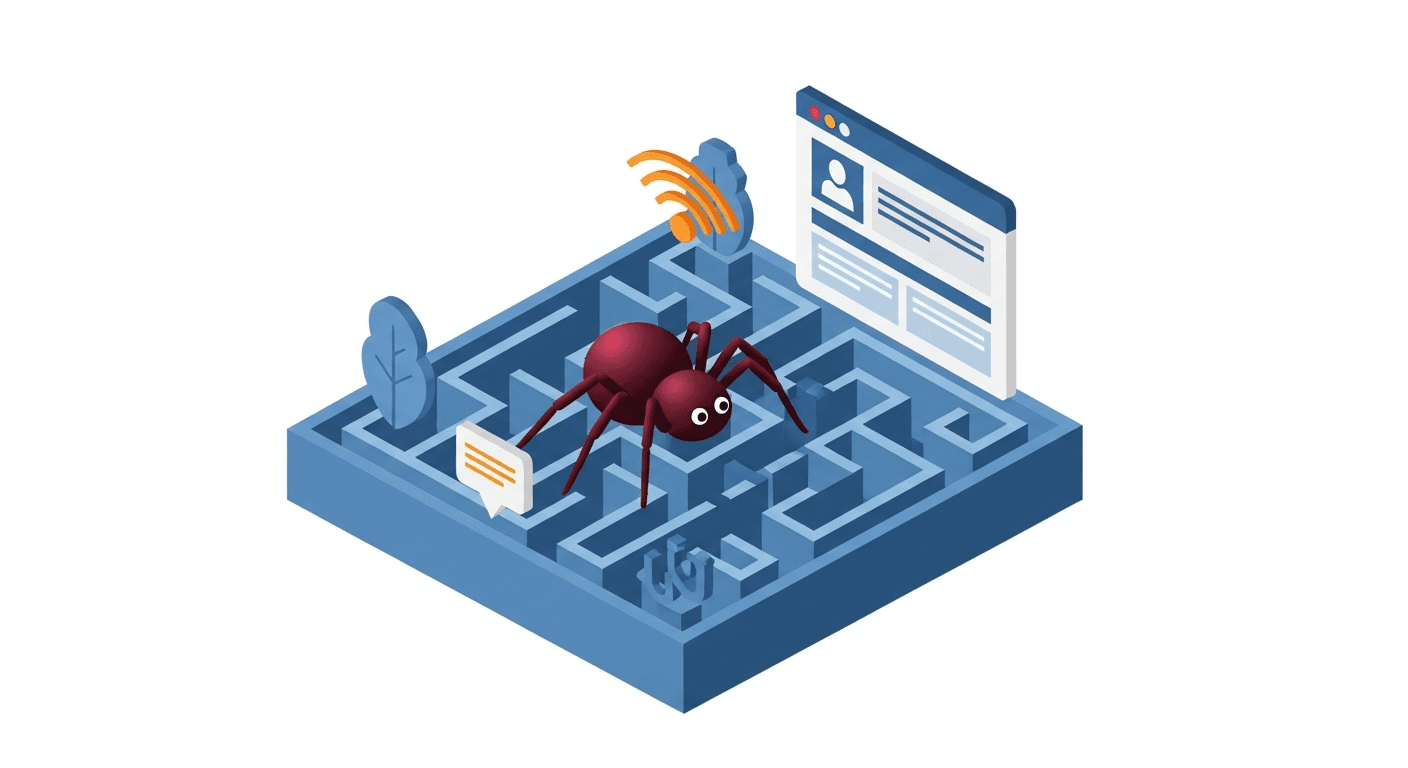
Understanding crawl budget in 2026

Google defines crawl budget as the combination of two factors: the crawl rate limit (how many requests per second Googlebot sends without overloading your server) and crawl demand (how important Google judges your pages to be worth crawling).
In 2026, a third factor is added: the AI crawl budget. GPTBot, ClaudeBot and PerplexityBot have their own budgets, generally more limited than Googlebot. They crawl fewer pages, less often, and with shorter timeouts.
Gary Illyes, analyst at Google (Zurich), clarified at Search Central Live 2025 in Paris: "If your site responds slowly, we will crawl less. If your pages all look alike, we will lose interest. Crawl budget is not a metric you can configure — it is a consequence of the quality of your site."
Diagnosing crawl waste
Before optimising, identify where your crawl budget is being wasted. The usual suspects:
| Waste source | Impact | Solution | Priority |
|---|---|---|---|
| Parameter pages (?sort=, ?filter=) | Very high | Canonical tag + robots.txt | P1 |
| Infinite pagination pages | High | Noindex or limited pagination | P1 |
| Duplicate content (www vs non-www, http vs https) | High | 301 redirects + canonical | P1 |
| Mass 404 pages | Medium | Redirect or delete | P2 |
| Redirect chains (A → B → C) | Medium | Direct redirect A → C | P2 |
| Low-value pages indexed | Medium | Noindex or consolidation | P2 |
Diagnostic tools: analyse your server logs (Screaming Frog Log Analyzer, Oncrawl) to see exactly which pages Googlebot visits. Cross-reference with Search Console (coverage report) to identify pages crawled but not indexed.
5 crawl budget optimisation strategies
- Clean up robots.txt — block useless sections (parameters, facets, admin pages) while allowing strategic AI bots (see our robots.txt and AI guide)
- Strategic XML sitemap — only include pages you want indexed, with reliable
lastmoddates (see our sitemap guide) - Improve TTFB — a fast server lets Googlebot crawl more pages in the same time (see Core Web Vitals guide)
- Consolidate thin content — merge low-traffic pages that cover similar topics
- Directed internal linking — point internal links towards your priority pages to signal their importance to bots (see internal linking guide)
Crawl budget and AI bots: the specifics
AI bots have distinct crawling behaviour compared to Googlebot:
- Lower volume — GPTBot crawls 10 to 100x fewer pages than Googlebot on the same site
- Aggressive timeouts — frequent abandonment after 1.5-2 seconds of TTFB
- No JS rendering — only static HTML is read
- robots.txt sensitivity — GPTBot and ClaudeBot respect directives (contrary to some misconceptions)
- llms.txt file — guides AI bots to your most important pages (see our llms.txt guide)
Bartosz Goralewicz, CEO of Onely (Poland): "For AI bots, crawl budget is even more precious. They visit far fewer pages, so every crawled page must count. The llms.txt file and a well-configured robots.txt are your best allies."
Monitoring your crawl budget
Crawl budget optimisation is not a one-shot task. Here are the metrics to track:
- Pages crawled per day — Search Console > Settings > Crawl stats
- Average response time — same report, target < 500ms
- Crawled/indexed page ratio — if the ratio is low, Googlebot is crawling but not judging your pages worthy of indexation
- AI bot crawl — analyse your server logs to track GPTBot, ClaudeBot, PerplexityBot
For the complete technical context, see our technical SEO guide 2026.
FAQ — Crawl Budget
From how many pages should you worry about crawl budget?
Google states that crawl budget is only a concern for "large sites" (10,000+ pages). In practice, we see benefits from optimising from 100 pages, especially for AI bots that crawl far less.
Can you increase your crawl budget?
Not directly. But by improving your TTFB, removing unnecessary URLs, and regularly publishing quality content, Google will naturally allocate more crawl to your site.
Does noindex consume crawl budget?
Yes. Noindex prevents indexing but not crawling. To prevent crawling, use robots.txt. Ideally, combine both for truly unnecessary pages.
Do AI bots respect crawl-delay in robots.txt?
It depends on the bot. GPTBot and ClaudeBot generally respect robots.txt directives (Allow/Disallow) but not necessarily crawl-delay. The best control remains your server response speed.
How do you prioritise pages for crawling?
Through three levers: the XML sitemap (only include strategic pages), internal linking (more internal links = more crawled), and robots.txt (block what should not be crawled).
Are your important pages being crawled?
We analyse your server logs and optimise your crawl budget so that Google and AI visit what truly matters.
Analyse my crawl budget

